In version 1.0.0.4 or higher (downloadable on ThemeForest.net) select “None” in “Appearance > Customize > Menus > Settings > Secondary Mega Menu Taxonomy” and select “None” from the dropdown.
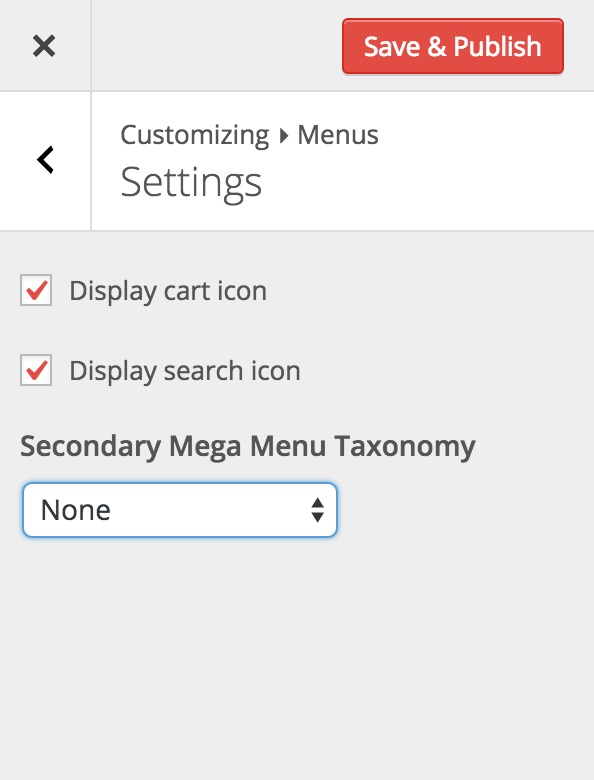

In version 1.0.0.4 or higher (downloadable on ThemeForest.net) select “None” in “Appearance > Customize > Menus > Settings > Secondary Mega Menu Taxonomy” and select “None” from the dropdown.