Create the Application
- Visit https://developers.google.com/identity/sign-in/web/sign-in and log in to your Google account.
- Click “Configure a Project” button on the page.
- Fill in the project details.
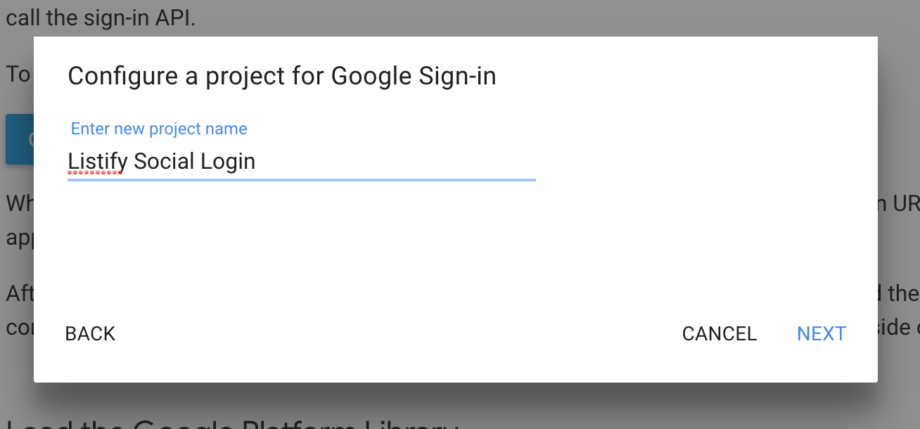
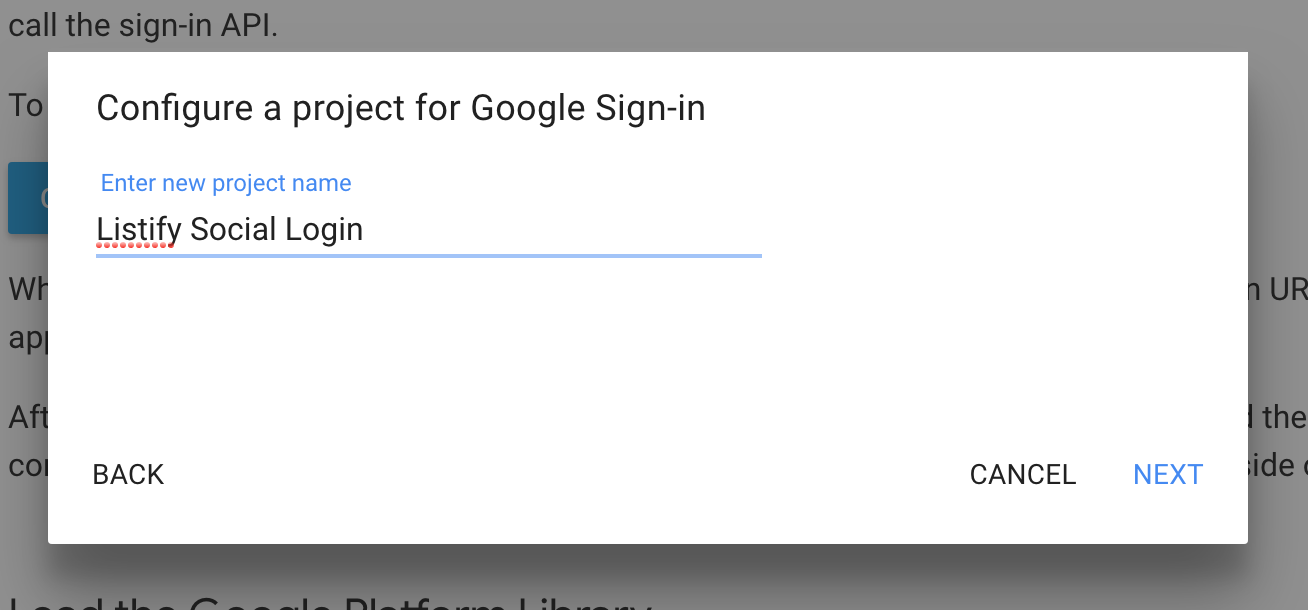
Add a project name:
Add an oAuth client name:
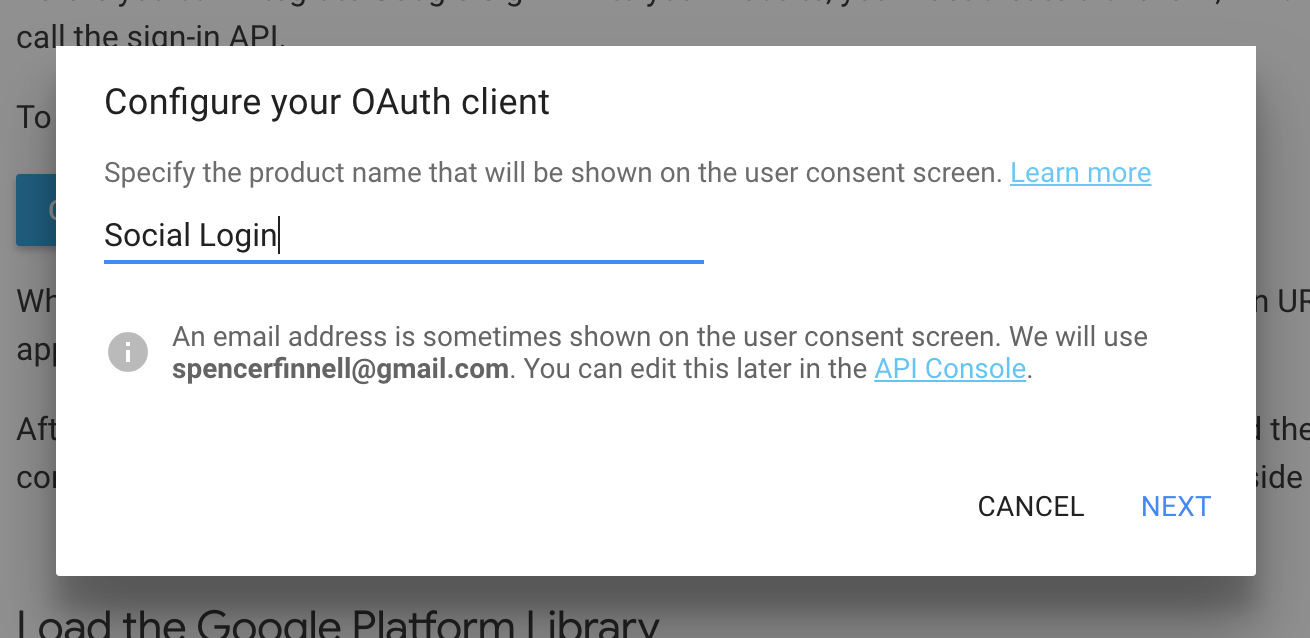
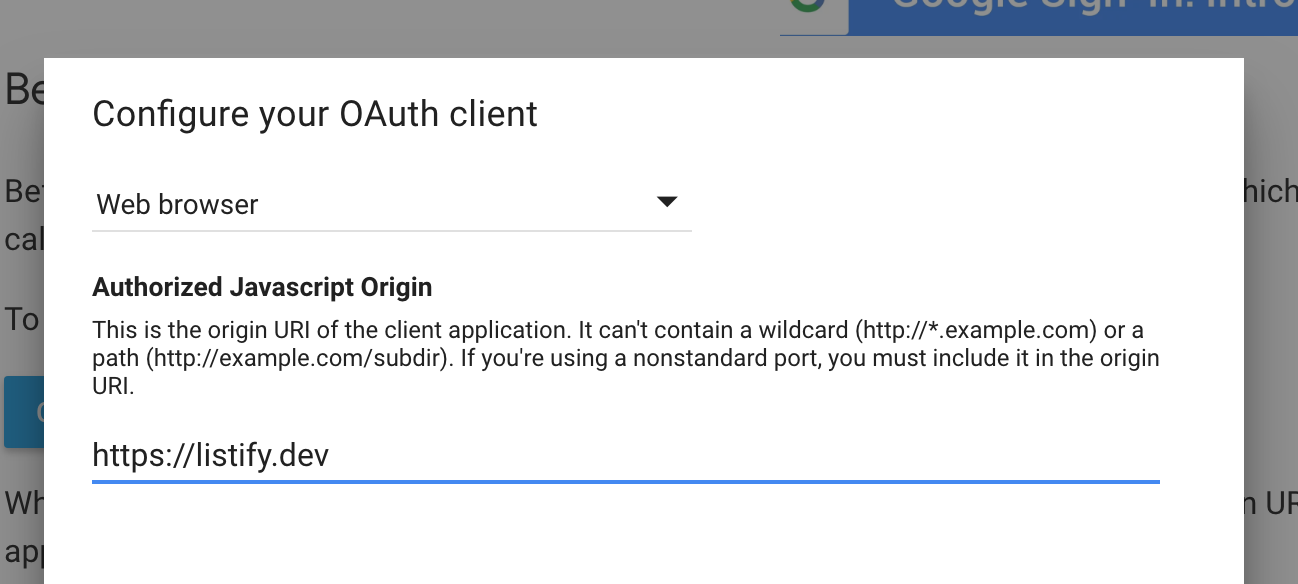
Configure oAuth client:
Configure Plugin Settings
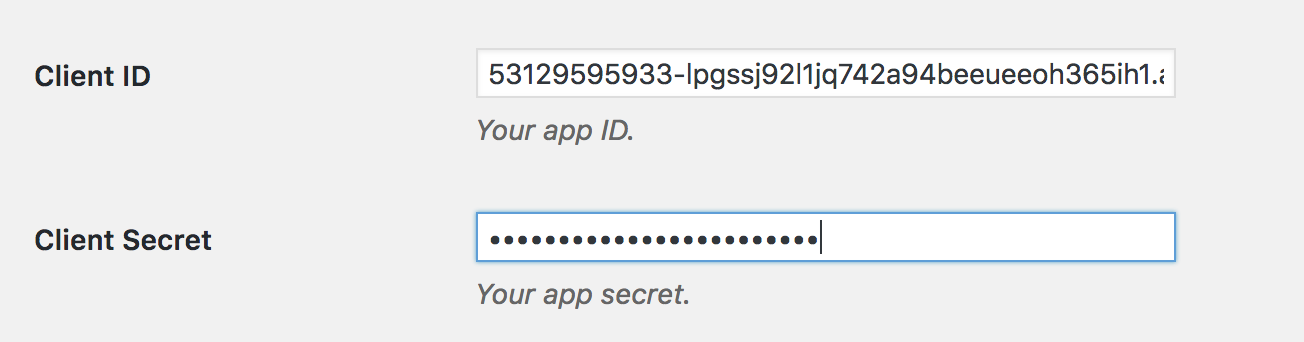
The Client ID and Client Secret can only be seen here. Visit “Settings > Simple Social Login > Google” in your WordPress dashboard and add the information.
Enable Project APIs
Visit the Google Developer Console: https://console.developers.google.com/apis/library
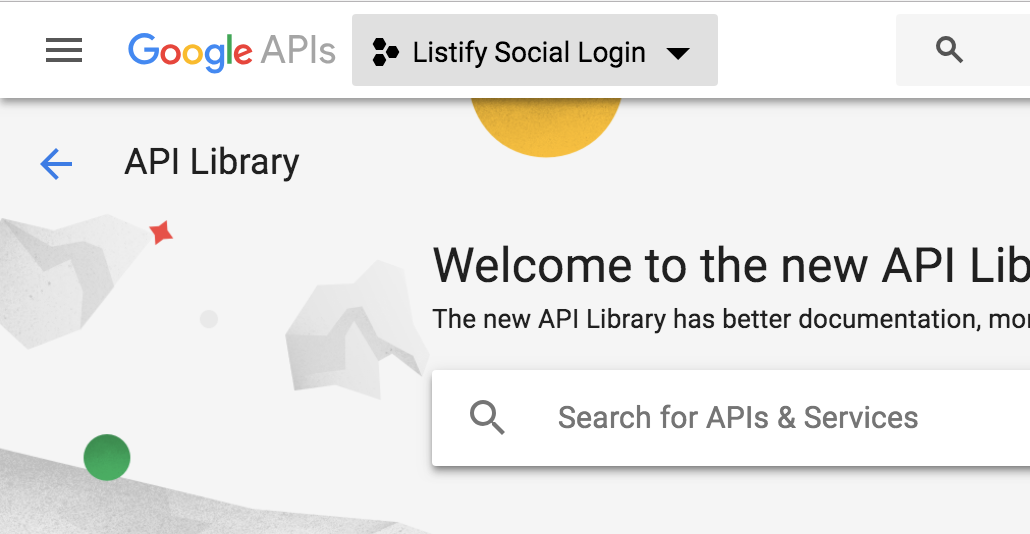
From the top dropdown select your project.
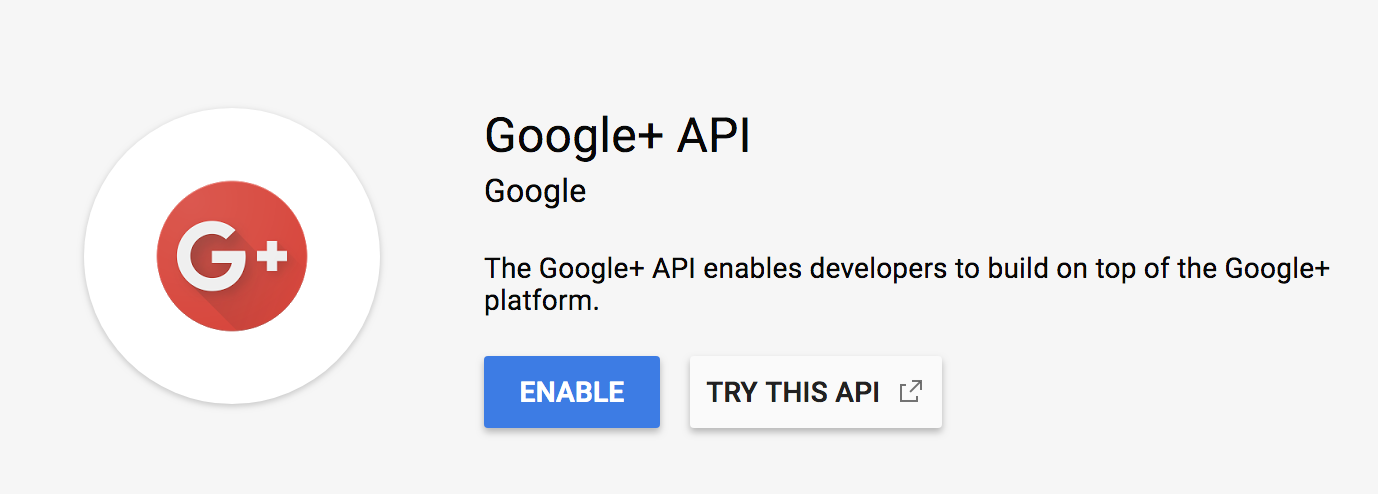
Search for the Google+ API and enable it.
Configure Credentials
Click “Credentials” on the left side of the screen.
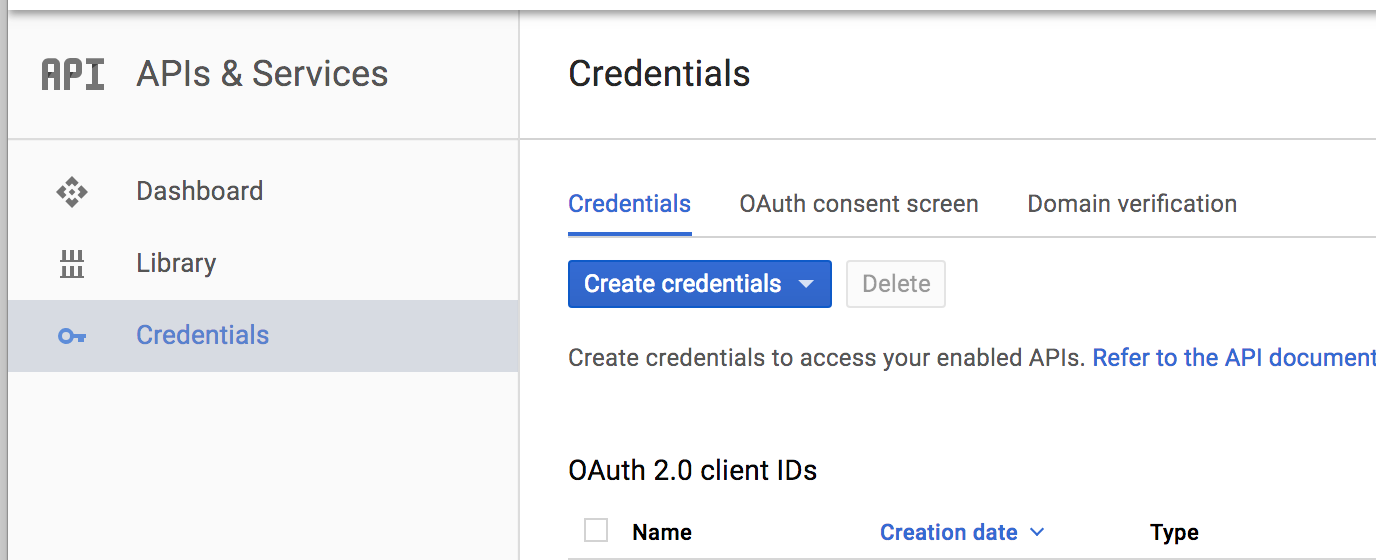
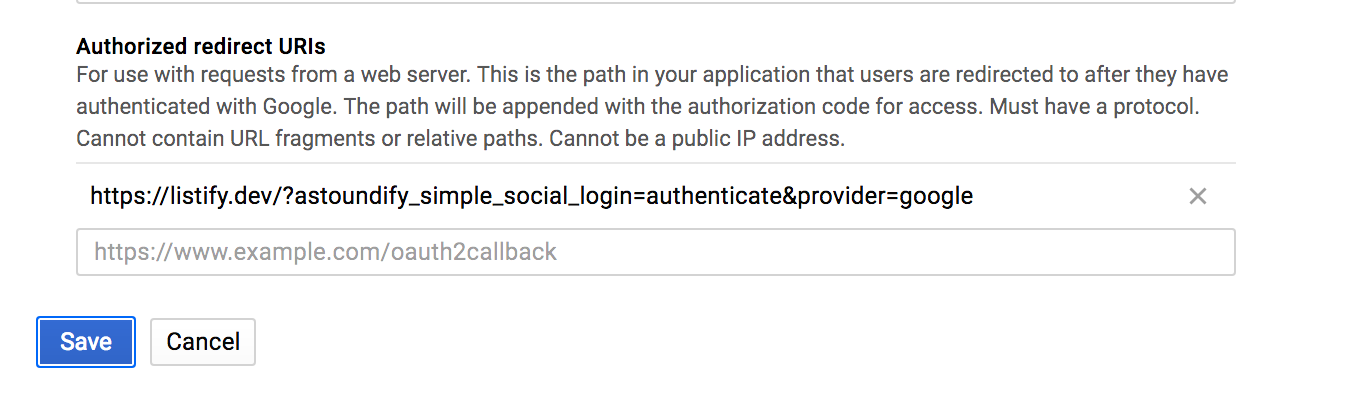
Click “OAuth client” and enter your “Authorized redirect URIs” (found in “Settings > Simple Social Login > Google”)